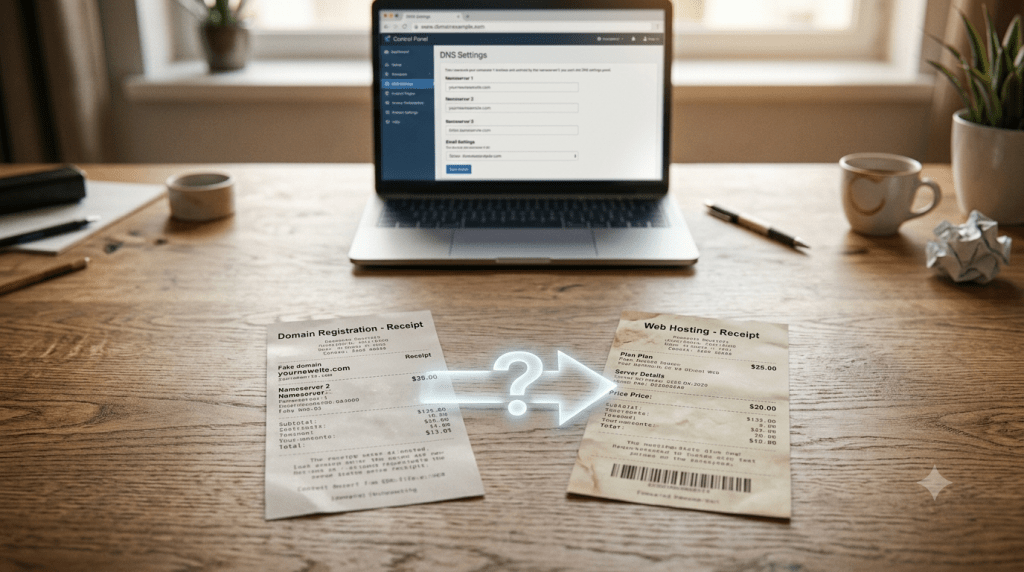
What Happens After I Buy Hosting and a Domain
Nothing happens automatically. That’s the part nobody warns you about before checkout. Your domain is just a reservation. Your hosting is just empty server space sitting somewhere. No website appears. No email works. Unless you bought both from the exact same provider, which sometimes auto-connects them, you’re staring at two separate purchases that don’t know about each other yet.
Step 1: Find Your Login Credentials
Your hosting provider sends a welcome email right after purchase. It contains login details for your control panel, often cPanel or a custom dashboard, depending on the host. This is where everything else happens: files, email, DNS settings. Bookmark that login URL now. This email gets missed or buried constantly, and losing it is the single most common reason beginners get stuck before they’ve even started.
Step 2: Connect Your Domain to Your Hosting
This is the step that actually makes your site reachable, and there are two genuinely different ways to do it.
Changing nameservers hands full DNS control over to your hosting provider. Simpler for beginners. Your host manages everything from there.
Updating DNS records, specifically an A record, keeps DNS control at your registrar or a service like Cloudflare instead. More flexible, but it means manually managing individual records yourself.
Pick one, not both. Getting this wrong, or mixing methods, is a common cause of broken email or SSL issues down the line. For the full comparison of these two paths, see hosting vs domain vs DNS.
Step 3: Wait for DNS Propagation
This is the part almost every guide rushes past in one sentence, and it causes more confused support tickets than anything else on this list. Once you change nameservers or DNS records, that change doesn’t reach the entire internet instantly. It takes anywhere from a few hours up to 24 to 48 hours to fully propagate worldwide. During that window, some visitors will see your new site. Others will see nothing, or an old cached version. That’s normal. It’s not a sign anything broke.
Step 4: Find Your Website Dashboard
Many hosts auto-install WordPress the moment you sign up. If yours did, your dashboard lives at yourdomain.com/wp-admin, and your login credentials are usually in that same welcome email from Step 1. If WordPress wasn’t pre-installed, look for a “Softaculous” or “One-Click Install” tool inside your control panel; nearly every host includes one.
Step 5: Secure Your Site With SSL
Most hosts bundle free SSL, commonly through Let’s Encrypt, and often install it automatically without telling you clearly. This is where a specific, very common confusion shows up: your site is now accessible at https://, but you keep typing http:// out of habit and see a “not secure” warning. That warning usually just means you’re on the wrong protocol, not that anything is actually broken. If it persists even on https://, look for an “AutoSSL” or similar option inside your control panel to trigger installation manually.
Step 6: Set Up Professional Email
Creating an address like [email protected] happens through your control panel’s email accounts section, separate from your website itself. For that email to actually deliver reliably, you also need MX records configured, the DNS records that route incoming mail to the right server, along with SPF, DKIM, and DMARC records for authentication. Skipping these is why a freshly created email address can send messages that immediately land in spam.
Step 7: Build the Site, or Don’t
There’s no deadline here. A domain can sit completely unused, sometimes called parked, for years without penalty beyond the renewal fee. Plenty of people buy a domain, get overwhelmed, and come back to it months later. If you’re ready, pick a theme, start adding pages, and publish. If you’re not, the domain simply waits.
What Actually Happens vs What Beginners Expect
| What You’d Expect | What Actually Happens |
|---|---|
| The website is live immediately after purchase | Domain and hosting start out completely disconnected |
| You can start building right away | You need to locate your control panel login first |
| The site works for every visitor instantly | DNS propagation takes up to 24 to 48 hours to fully spread |
| The site is secure by default | SSL may be installed, but you need to actually visit via https:// |
| You have to build the site right away | You can park the domain and come back whenever you’re ready |
Same Provider vs Different Providers Changes Everything
If your domain and hosting came from the same company, a lot of this connection work may already be done for you automatically, sometimes reducing this entire process to a short wait. If they came from two different companies, expect to spend real time manually working through Steps 2 and 3 yourself. Knowing which situation you’re in before you start troubleshooting saves a lot of confusion.
Once your site is live and you’re making changes to it, testing updates on a copy first rather than directly on the live version becomes worth setting up. See what is a staging site for how that works.
FAQs
I bought a domain and hosting. Why can’t I see my website?
Because the two haven’t been connected yet. You need to complete the DNS setup covered in Step 2 before your domain will actually point to your hosting.
How long does it take for my domain to work after connecting it?
Typically 24 to 48 hours for DNS propagation to fully complete worldwide, though many visitors will see the change sooner than that.
Do I need to build my website right away?
No. Your domain stays reserved regardless of whether you’ve built anything on it yet, so there’s no rush once the technical connection is in place.



